
DIGITAL SIGNAGE PRICING
Your digital signage solution, your personalised pricing plan
The versatility of Samsung VXT makes it the right digital signage solution for nearly any industry. VXT has the tools you need to create and deploy content quickly and efficiently, allowing you to leverage the power of digital content with a digital signage price that’s easy on the budget. A variety of pricing options are available, allowing screen owners to match their digital signage cost to their specific needs.
VXT CMS
S Series
- VXT Canvas: immense creation with professionally designed templates
- Content Management: optimise operation with playlist and schedule management
- VXT Player: compatible content player based on web and android
P Series
- Includes all functions of S Series, RM S Series, and RM P Series
- Multi-screen Enrolment: connect multiple screens to VXT through serial number input
- Sync Play: play and switch content without any delay on multiple screens
X Series
- Includes all functions of P Series
- Enhanced Assistance: 24/7 email & Call center, proactive monitoring, and remote support
VXT RM
RM S Series
- Remote Management: Real-time monitoring and control of content & screen
- Enhanced Security: locks for inaccessible Bluetooth, USB, and Wi-Fi network
RM P Series
- Includes all functions of RM S Series
- Early Warning
- Energy Management
- Preset
- Multi Screen Enrollment
* Only one VXT Plan can be selected and two plans cannot be selected at the same time.
Already have a screen? See the list of compatible hardware for VXT CMS
Category | Model | Sync play | Preset | Multi-Screen Enrollment | Early Warning | Backlight Scheduling | Power Consumption Check |
|---|
Standalone Signage | QxR Series (QHR, QMR, QBR, QPR, QER) | ||||||
Standalone Signage | QxN Series (QMN, QBN, QEN) | ||||||
Standalone Signage | QPR-8K Series | ||||||
Standalone Signage | QPA-8K Series | ||||||
Standalone Signage | QxB Series (QHB, QMB, QBB) | ||||||
Standalone Signage | QxC Series (QHC, QMC, QBC) | (QMC, QHC only) | |||||
Standalone Signage | QPDX-5K | ||||||
Color E-Paper | EMDX | ||||||
Stretch Signage | SHR | ||||||
Stretch Signage | SHC | ||||||
Outdoor Signage | OMB, OH46B, OHF-S | ||||||
Outdoor Signage | OHB Series (OHB, OHB-S) | ||||||
Outdoor Signage | OxA Series (OMA, OHA, OHA-S) | ||||||
Outdoor Signage | OxN Series (OMN, OMN-S, OMN-DS, OHN) | ||||||
Outdoor Signage | OxDX Series (OHDX, OMDX) | ||||||
All in one | IAB / IAC | ||||||
Indoor LED S-BOX | CS4B | ||||||
Outdoor LED S-BOX | CX4B | ||||||
ProTV | BEC-H Series, BED-H Series | ||||||
Non-Samsung | Android | ||||||
Non-Samsung | Windows |
Numerous Samsung VXT Apps
VXT Apps feature offers a variety of app-style products developed and uploaded by Samsung or partners on the VXT platform. Because they are pre-matched to VXT, users can easily install and use them immediately. Screen owners can incorporate the various content/solutions available without the need for professional technical partners. The VXT Apps can only be purchased in conjunction with the VXT CMS and will be charged separately depending on the product. Applications available include:

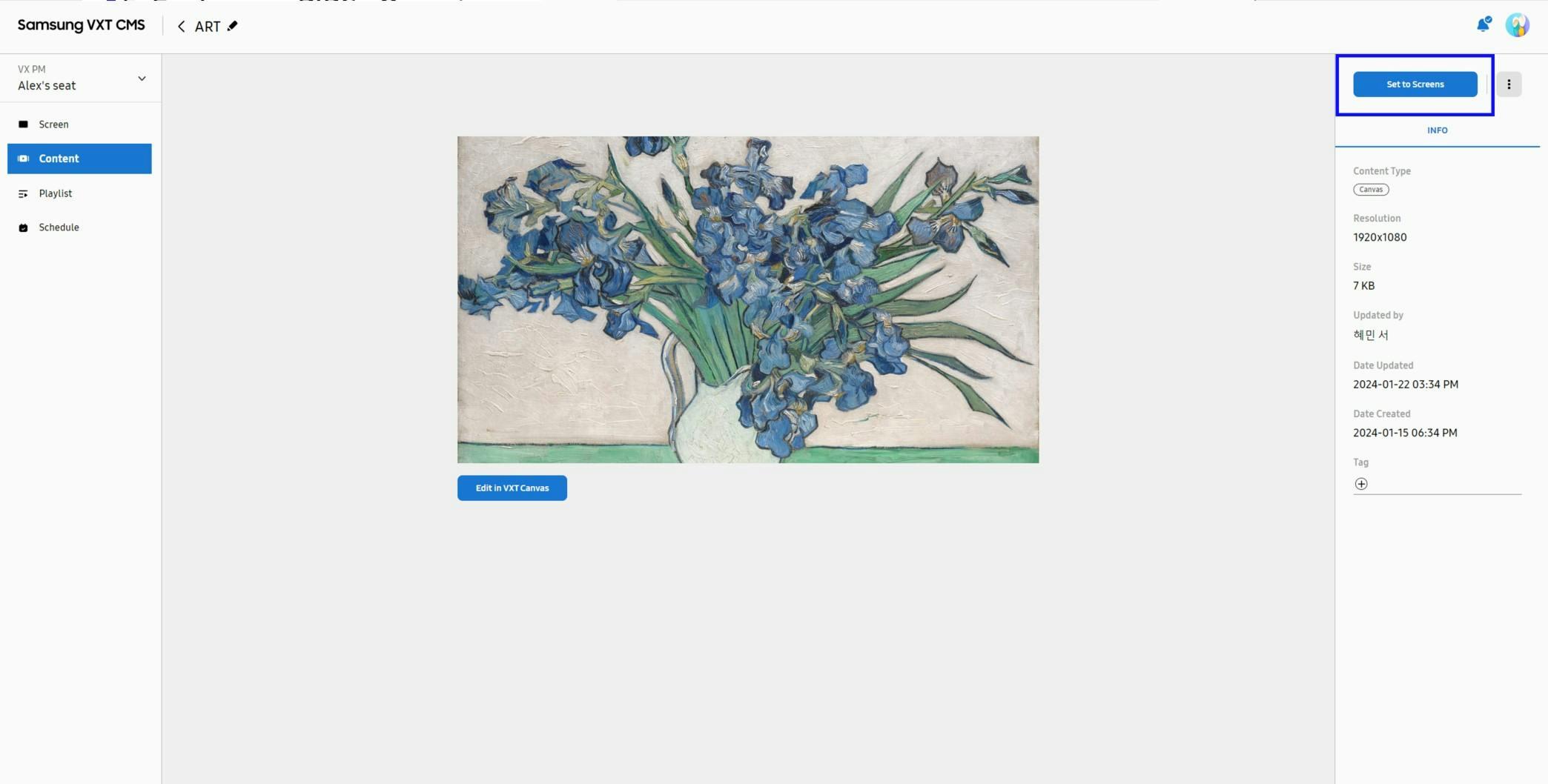
VXT Art
Any space can be remade as an art gallery with Samsung’s VXT Art. The VXT Art feature offers access to a range of incredible art content from renowned galleries, making it easy to enhance any venue. Nearly any digital display can serve as a virtual canvas, with thousands of options for the type of art displayed. Whether you want to add a sophisticated look to a waiting room, hold a special event at the corporate office, or create eye-pleasing displays throughout your facility, VXT Art has the tools and content you need to enhance the signage experience. VXT Art must be purchased separately.
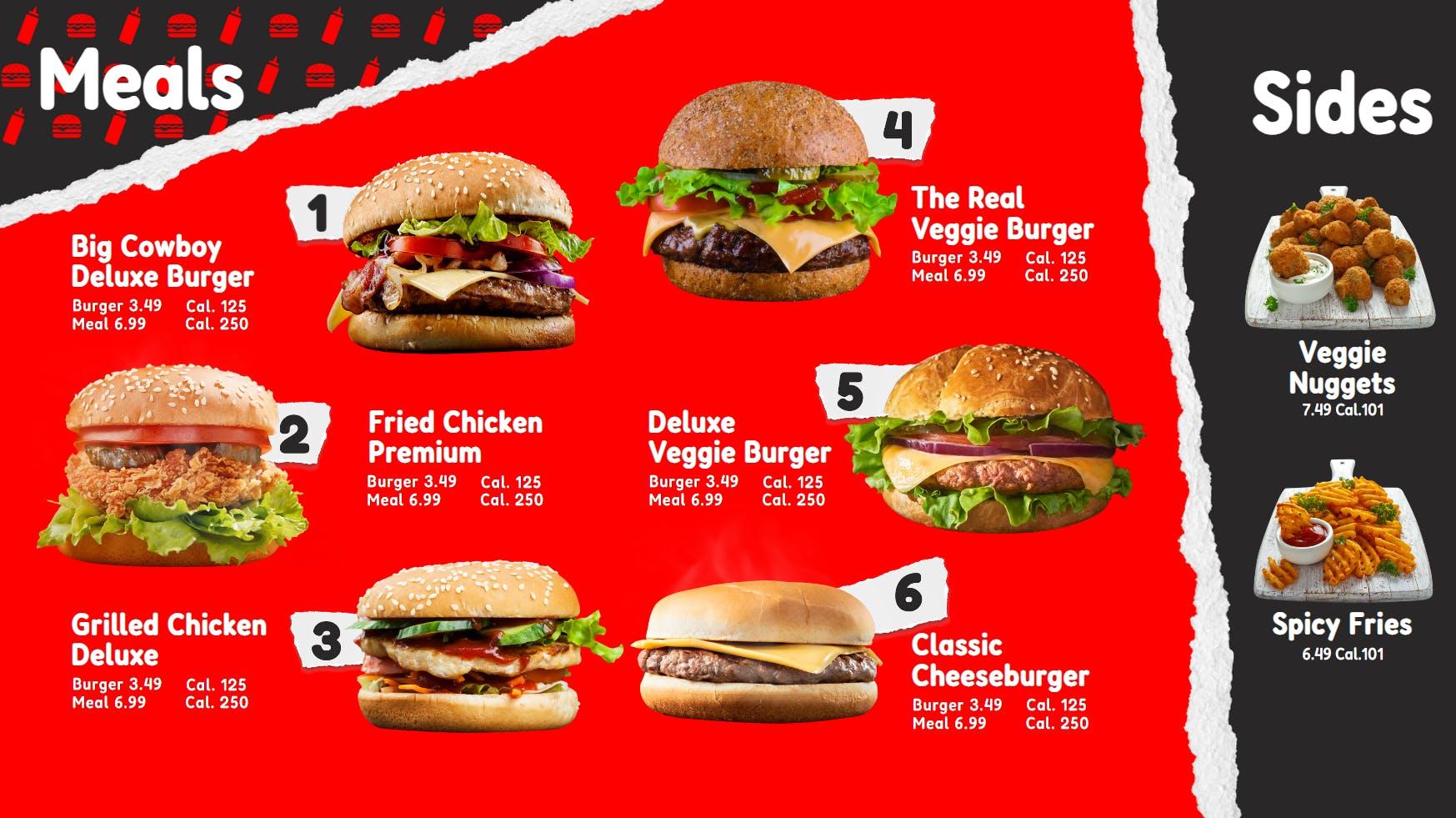
Link My POS
The Link My POS app effortlessly pulls product data from your POS system, eliminating the need for manual data entry or data export. Menu boards always reflect the latest product availability and pricing, ensuring customers are always presented with accurate information. Pricing and menu items can also be updated to reflect demand. Operators can easily compare content shown on digital displays with POS information, allowing them to judge the effectiveness of various types of content. The Link My POS application seamlessly integrates with restaurant display systems, eliminating the need for manual order entry, reducing errors, and expediting food preparation. This feature requires a separate purchase.
Content Management System
S Series
Learn MoreIntuitively create, schedule, and manage your digital signage content, with the ability to turn screens on and off and verify screen status from a central location.
P Series
Learn MoreManage digital signage content and displays holistically, with features that include Advanced Remote Management, with the ability to configure screens and update software remotely. Users also have access to energy management features and early warning notifications that can help prevent screen downtime. Support for touch content allows interactivity to be part of the digital signage solution.
X Series
Learn MoreExperience the full package of digital signage content, displays, and professional services with 24/7 call support and remote management capabilities, with energy management and early warning features that automatically notify administrators in the event of an issue. The remote management features on the P and X series are the same. The main difference between the P and X series is the extensive white-glove service that provides peace of mind to customers, with energy management and early warning features that can automatically notify administrators in the event of an issue.
Remote Management System
RM S Series
Learn MoreRemote management features provide the ability to manage your displays remotely from anywhere. Users can turn screens off and on, verify screen status, configure screens and lock down controls without the need for an on-site visit. Email support during working hours is provided as well.
RM P Series
Learn MoreAll the capabilities of the RM S Series, with advanced features that include a power consumption monitor, holiday management, backlight control, network error reporting, 24/7 email support, and more. The P Series also includes energy management features that help customers easily see expected power consumption and save on energy costs as well as early warning features that can detect network errors and software crashes to reduce downtime.
Frequently asked questions